Site online. You can see it at www.managepdf.it. The tools, limits and plans shown are those published in October 2026 and may change. The site is in Italian and English.
The project
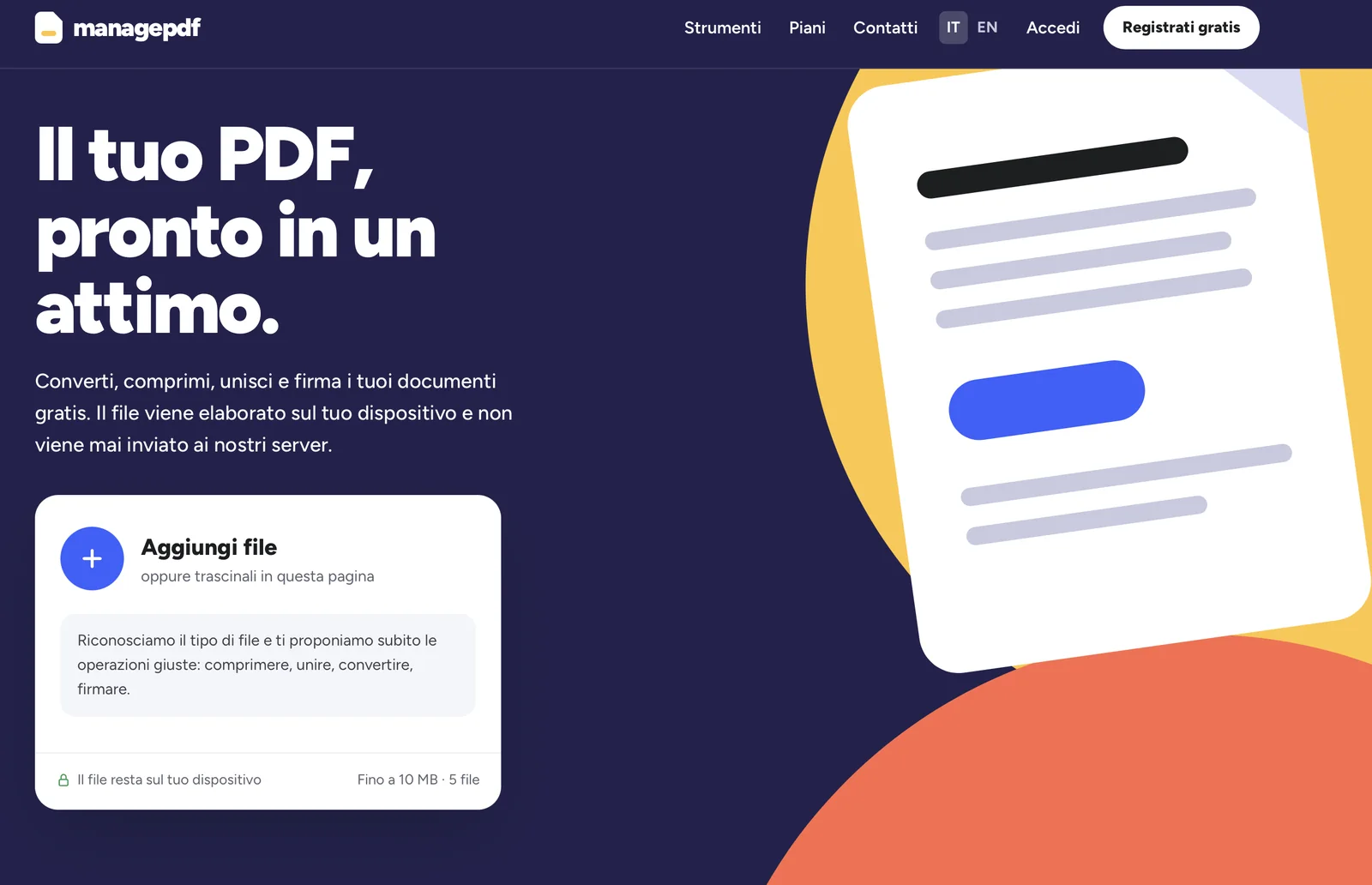
managepdf is a website of PDF tools: merge, split, compress, convert, sign, protect and more, 27 in all. You add the file, the site recognizes its type and immediately suggests the most suitable operations: compress, merge, convert, sign.
Its strong point is privacy: according to the site the file is processed on your device and is never sent to its servers, even for registered users. You can use it right away as a guest, with no account, or with a free account for higher limits. You never pay anything.
In numbers, inside the site
The screens
Three screens of the site, as they appear on a computer. The site's text is in Italian.
How it works
- Add the file
You click or drag the file onto the page: up to 10 MB and 5 files as a guest, up to 50 MB and 50 files with the free account.
- Choose the operation
The site recognizes the type of file and suggests the right operations: compress, merge, convert, sign. Or you pick one of the 27 tools.
- The file stays with you
Processing happens on your device: the file is not sent to the site's servers, not even when you are registered.
The 27 tools
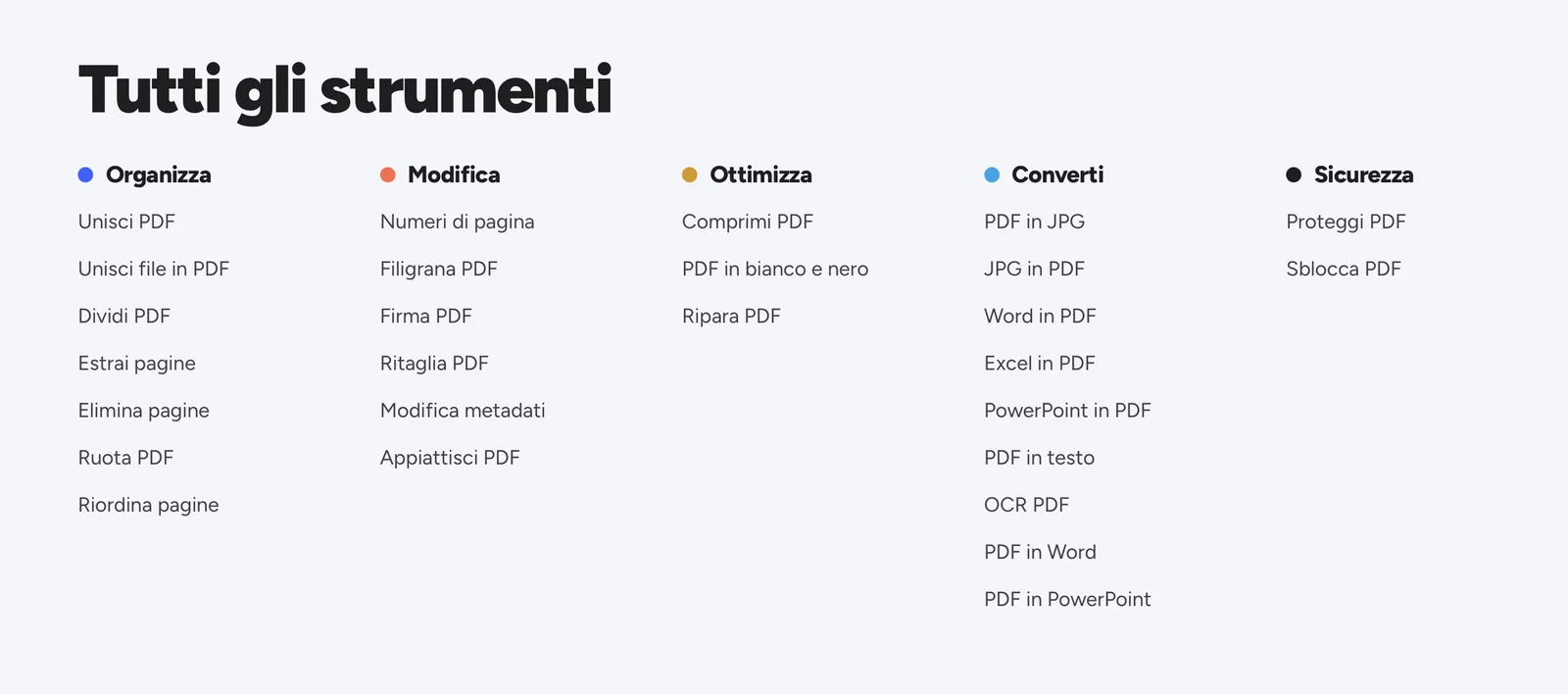
Organize (7): Merge PDF, Merge files into PDF, Split PDF, Extract pages, Delete pages, Rotate PDF, Reorder pages.
Edit (6): Page numbers, PDF watermark, Sign PDF, Crop PDF, Edit metadata, Flatten PDF.
Optimize (3): Compress PDF, PDF to black and white, Repair PDF.
Convert (9): PDF to JPG, JPG to PDF, Word to PDF, Excel to PDF, PowerPoint to PDF, PDF to text, OCR PDF, PDF to Word, PDF to PowerPoint.
Security (2): Protect PDF, Unlock PDF.
Two ways to use it, both free
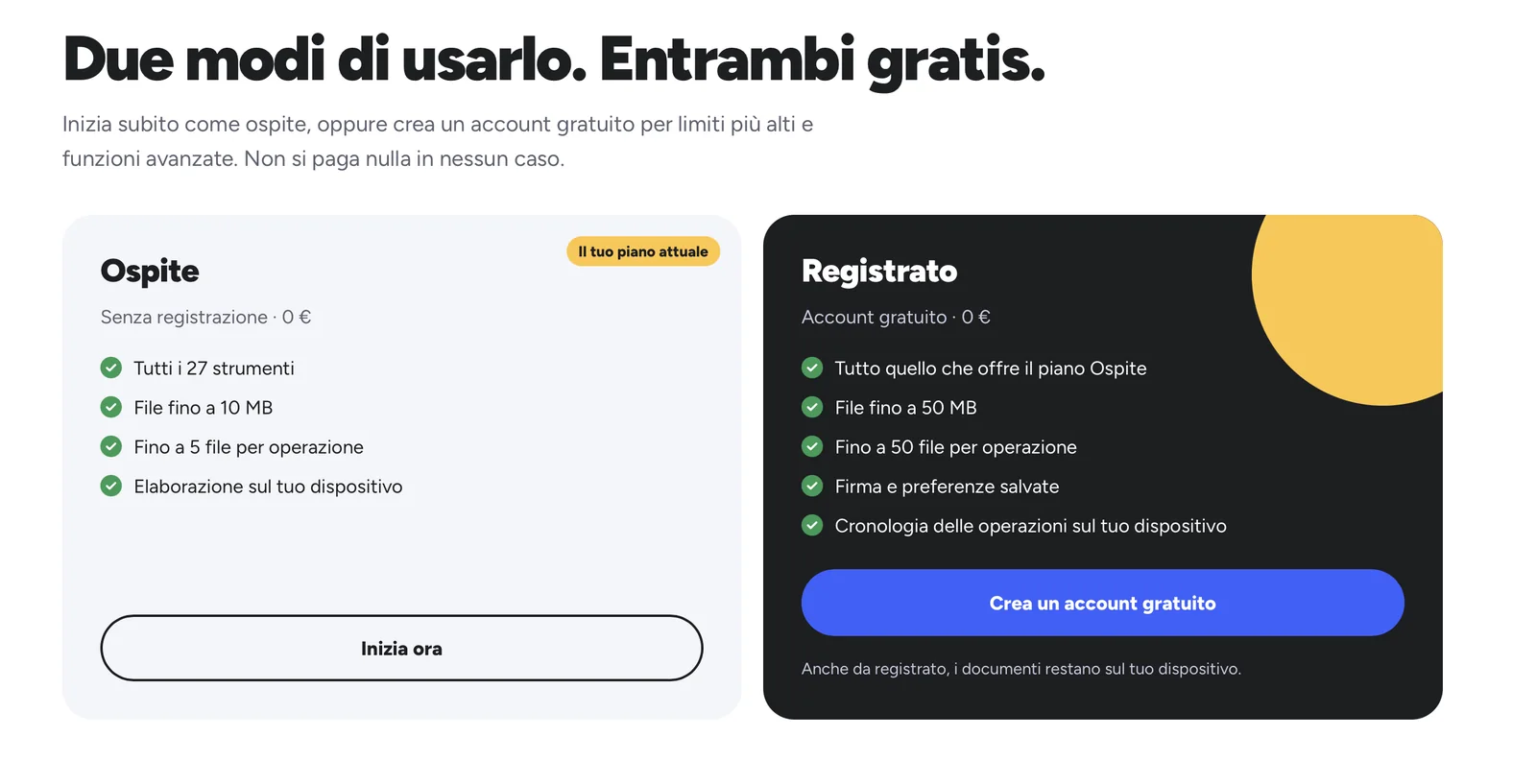
You can start right away as a guest, with no sign-up, or create a free account for higher limits and extra features. Your documents stay on your device either way.
| Plan | Limits | What it includes | Price |
|---|---|---|---|
| Guest | Files up to 10 MB, up to 5 files per operation | All 27 tools, no sign-up | €0 |
| Registered | Files up to 50 MB, up to 50 files per operation | Everything in the Guest plan, saved signature and preferences, operation history on the device | €0 |
Plans and limits published in October 2026. You never pay anything.
What the site does
The file stays on your device
According to the site, files are processed on your device and never sent to its servers, even when you are registered.
It recognizes your file
The site recognizes the type of file and immediately suggests the right operations.
Everything in one place
27 tools in five categories: organize, edit, optimize, convert and protect your PDFs.
Free, even without an account
You use it right away as a guest, or with a free account for higher limits. You never pay anything.
What we did
- Graphic design and development of the website, in Italian and English, with a night-blue, yellow and orange style.
- Recognition of the file type and suggestion of the right operations.
- 27 tools to organize, edit, optimize, convert and protect PDFs, working on the user's own device.
- Guest and Registered plans, with different limits, saved signature and preferences and history on the device.
- Free sign-up and login, and a menu with tools, plans and contacts.
Want a website like this?
A website starts from €1,350, with price and delivery time written up front. On the website development page you will find the three tiers (Base, Plus and Pro) and what each includes; if you already have an idea, the quote calculator gives you an estimate in a few minutes. See also the other completed projects.